How to check if your RF-Hub has a new version, how to update it from qtrl.me, and how to let the hub update itself.
The hub's software (firmware) regularly gets new features and fixes. The update happens over the network and takes a few minutes. The hub keeps all its settings and devices.
Check for a new version
- Log in to qtrl.me and go to Devices → Hubs.
- Each hub is shown as a card with its current version.
- If the card says New firmware, a newer version is available for your hub.
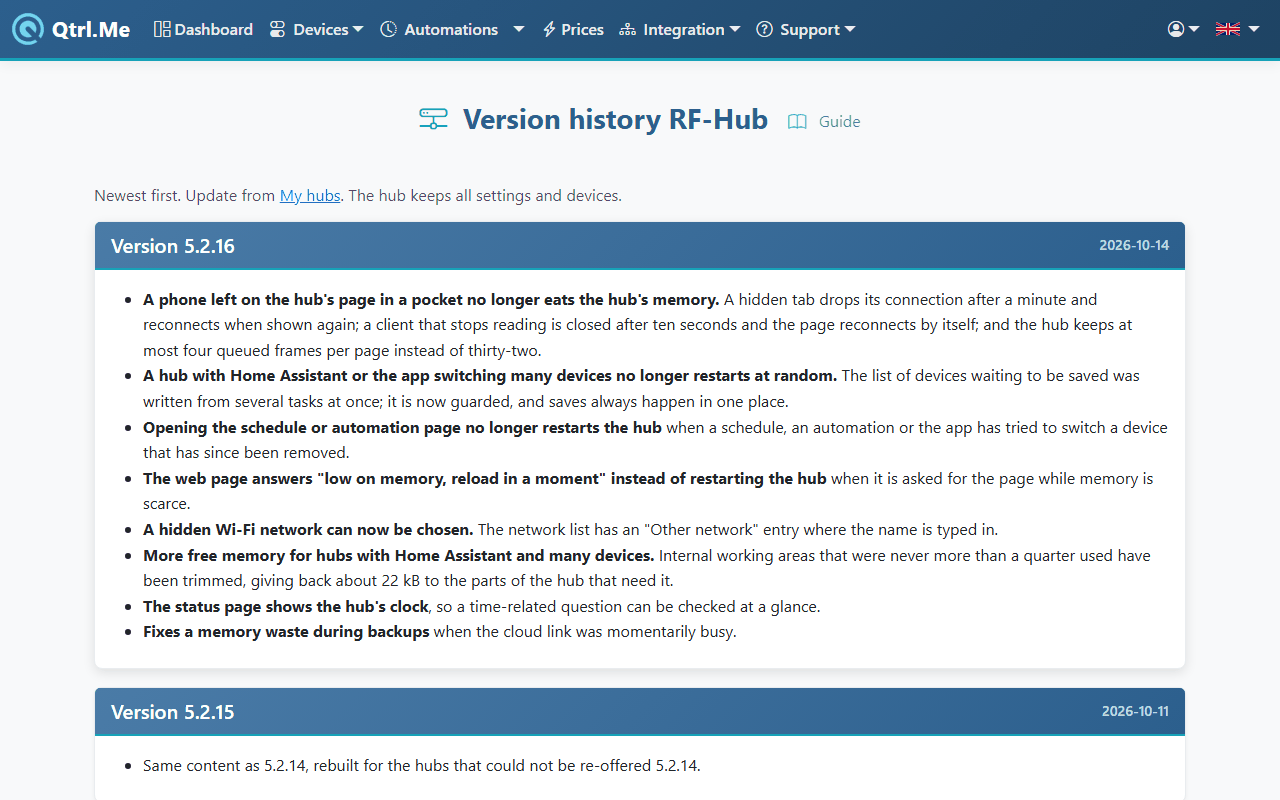
You can see what's new in each version in the version history, which is also found as Version history under Support in the menu.
Update from qtrl.me
- The hub must be online, otherwise no button is shown.
- Click Update Firmware on the hub's card. The button shows which version is being installed.
- The hub downloads the file, restarts and reconnects. Allow two to five minutes.
- Once the card shows the new version, you're done.
Don't unplug the power while the update is in progress.
Hubs on an older version (2.x)
Hubs still running version 2 update in two steps. First a small helper program is installed, then the actual version. This takes longer, up to ten minutes, and the hub restarts twice. Leave it be until the card shows the new version.
Let the hub update itself
From version 5.2.8, the hub can install new versions automatically.
- Open the hub's own web interface on your local network (the link is on the hub's card).
- Go to the Update page and tick Auto-update this hub.
The hub then checks for itself when a new version is released and installs it. You can change this choice at any time.
If something goes wrong
- The button isn't showing: the hub is offline. Check the power and network and reload the page.
- The version doesn't change: wait a few minutes and reload the page. The hub may have had a brief network hiccup and will try again at its next restart.
- If it still doesn't work, contact us and give the hub's serial number.